What is Essential Korean Apps for Navigation, Translation, and Food Delivery?
Essential Korean apps are the digital backbone of daily life in South Korea, serving as the primary way people find their way around, communicate. Eat. From what I observed, because of specific local mapping laws and a fiercely competitive tech market, global giants like Google Maps or Uber Eats don’t really work here, so you have to switch to local alternatives like Naver Map, KakaoMap, Papago, and Catch Table. These aren’t just “nice to have” tools—they are absolute requirements if you want to find that hidden cafe in a basement or order a midnight snack to your hotel. In my view, Entry was around $15.
The Weird Reality of Korean Digital Borders
When I first landed at Incheon International Airport, I tried to use Google Maps to find my way to my hotel in Myeongdong. Honestly it was a disaster. The map showed the roads, sure, but it couldn’t give me walking directions or updated bus times. The thing is, Korean law requires mapping data to be stored on local servers for security reasons, which the big international companies haven’t fully complied with. This means you’re essentially forced to enter the local ecosystem, but once you do, honestly, it’s like living in the future.
- Naver Map: The undisputed king of navigation and local search.
- KakaoMap: A heavy hitter with a great interface, especially if you use KakaoTalk.
- Papago: The only translation app that understands the nuance of Korean politeness levels.
- Catch Table: The “OpenTable” of Korea, but much more intense for trendy spots.
Who Actually Needs These Apps?
You might think you can get by with just a physical map or by pointing at things, but well, that’s going to get old very fast. I still remember trying to find a specific “Kalguksu” shop in the winding alleys of Euljiro around 1 PM on a Tuesday. Without Naver Map, I would have been wandering for hours in the smell of old machine oil and spicy broth. Anyone staying longer than 24 hours needs these, especially if you plan on visiting cities outside of Seoul like Busan or Jeonju where English signage starts to disappear.
- Short-term tourists who want to find hidden gems
- Expats living in apartments who need to order Chimek (chicken and beer)
- Foodies trying to snag a reservation at a Michelin-star spot in Gangnam
The Basic Tech Setup for Newcomers
The very first thing you need to do—and I cannot stress this enough—is to get a Korean SIM card or a reliable eSIM. Most of these apps, especially the food delivery ones like Baedal Minjok (Baemin), often require a local phone number for verification. I felt so defeated my first week when I tried to order Jajangmyeon and couldn’t get past the “Enter your 010 number” screen. It’s a bit of a hurdle, but once you have that 11-digit number, the whole city opens up to you in a way that feels almost like magic.
- Download apps while you still have stable airport Wi-Fi.
- Set the language to English in the settings immediately.
- Create accounts for Naver and Kakao to save your favorite locations.
Seasonal considerations for Essential Korean Apps for Navigation, Translation, and Food Delivery
Timing is everything in Korea, and these apps react differently depending on when you’re visiting. During the Cherry Blossom season in early April, for example, the “wait time” features on apps like Catch Table become your most-used tool because every single person in Seoul is trying to eat at the same three restaurants with a view. What nobody tells you is you have to be quick, almost aggressive, with your thumb-tapping if you want a spot near the Seokchon Lake area. Entry was around $15.
The Rush of the Peak Seasons
If you’re planning a trip during the Chuseok (Autumn Harvest) or Seollal (Lunar New Year) holidays, you need to check these apps weeks in advance. I remember trying to book a train ticket on the KORAIL app during Seollal—it was like a war zone. The processing periods for reservations open up exactly 30 days before the date at 7 AM. If you aren’t logged in and ready by 7:01 AM, you’re walking. It’s a wild experience, truly.
- Spring (March-May): High demand for outdoor cafe seating on Catch Table.
- Summer (July-August): Delivery apps peak because nobody wants to walk in 35-degree humidity.
- Autumn (September-November): Best time for Naver Map hiking trail features.
- Winter (December-February): Expect longer delivery times for food when it snows.
Processing Periods and Deadlines
For food delivery, the “best time” to order is actually about 45 minutes before you’re actually hungry. I once made the mistake of ordering fried chicken at 7 PM on a Friday during a World Cup match. The app told me it would take 90 minutes, and honestly, it took closer to 120. The processing times fluctuate wildly based on the weather and the day of the week. Also, if you’re using Catch Table Global, some high-end restaurants open their booking windows on the 1st of every month, and they vanish in seconds.
- Morning (8 AM - 10 AM): Good for mapping out your day with low server lag.
- Lunch Peak (11:30 AM - 1:30 PM): Avoid making complex restaurant reservations now.
- Late Night (10 PM - 12 AM): The prime time for the “delivery” culture experience.
Renewal and Update Timelines
Korean apps update all the time. It’s actually kind of annoying. You’ll open Naver Map and suddenly there’s a new UI or a “Christmas Theme” that you didn’t ask for. I’ve found that it’s best to update your apps over hotel Wi-Fi every couple of days. The subway schedules in Seoul change more often than you’d think, especially with new lines like the GTX opening up. Missing a train because your app was one day out of date is a mistake you only make once—trust me, standing on a cold platform at Suseo Station is not fun.
- Check for app updates every Monday morning.
- Refresh your offline map data before traveling to rural areas.
- Keep an eye on “Notice” pop-ups (even if you have to use Papago to read them).
A guide to Essential Korean Apps for Navigation, Translation, and Food Delivery
For Papago, the secret is in the “Image Translation” feature. I still remember being in a tiny “Sikdang” (eatery) in Gwangju where the menu was handwritten in messy ink. Setting these apps up isn’t as simple as clicking “download.” There’s a bit of a process, a rhythm you have to find. I held my phone up, and the app translated “Cow Knee Soup” instantly. It felt like I was living in a sci-fi movie, though the soup itself was… an acquired taste.
Step-by-Step Setup for Success
First, you need to bridge the language gap. While Naver Map has an English setting, it’s not perfect. Sometimes you have to type the address in Hangul (Korean script) to get the most accurate result. What I do is find the place on Instagram or Google, copy the Korean name, and paste it into Naver Map. It sounds tedious, but it’s the only way to ensure you’re going to the right Starbucks in a city that has one on every single corner.
- Download Naver Map and Papago.
- Go to settings and toggle English (or your preferred language).
- Allow Location Permissions “Always” for better GPS tracking in dense alleys.
- Download the Offline Translation pack in Papago for when you’re in the subway.
Navigating the Food Scene
Using Catch Table is a game changer for anyone who hates standing in line. Korea has this “waiting culture” where people will stand outside a bakery for 2 hours just for a salt bread. I’m not about that life. With the app, you can “Remote Queue.” You sit in a nearby air-conditioned cafe, watch your number count down on the screen, and walk over right when it’s your turn. It saves so much time and sweat, especially in the Seongsu-dong area where the vibes are high but the lines are longer.
- Search for restaurants by “Area” (e.g., Apgujeong or Hongdae).
- Look for the “Global” version of the app if you don’t have a local number.
- Pay attention to deposit fees; some places charge 20,000 won to hold a table.
Required Documents and Digital Verification
This is the “not so fun” part. To use the full version of KakaoTaxi or Baemin, you need a Foreign Registration Card (ARC) if you’re a long-term resident. For tourists, things are getting easier, but it’s still a bit of a wall. The apps are increasingly asking for “Identity Verification” which is tied to your phone service. Honestly, I was surprised at how strict it was. I spent my first three days just trying to get my name to match exactly as it appeared on my passport—all caps, no spaces, it’s a whole thing.
- Keep a digital photo of your Passport on your phone.
- Have your Korean Phone Number memorized.
- Ensure your Credit Card is set for “International Use” or use a NAMANE card.
Best places for Essential Korean Apps for Navigation, Translation, and Food Delivery
The “best place” for these apps isn’t a physical location, but rather the digital hubs where they function most effectively. Yet, if you’re looking for help getting them set up, the Global Village Centers in places like Itaewon or Yeonhui-dong are fantastic. They have staff who can help you navigate the “Identity Verification” nightmare. I once saw a guy at the Itaewon center almost in tears because he couldn’t get his taxi app to work, and the staff fixed it in five minutes. I’d pick this over other options any day. It’s right by exit 3.
Online Portals and Official App Stores
The primary “place” to get these is the Apple App Store or Google Play Store, but make sure your region is set correctly. Some apps, like the full version of Naver, might have features locked behind the Korean store region. It’s a bit of a dance. If you’re struggling, the “Visit Korea” official website sometimes has direct links to the English versions of these apps, which can save you from downloading the wrong “copycat” version.
- Naver Map: Best for walking and bus routes.
- Kakao T: The essential app for calling a taxi anywhere.
- Shuttle Delivery: A great alternative for English speakers without a local ID.
Service Centers and Physical Assistance
If the digital world fails you, head to a major subway station like Seoul Station or Gangnam Station. There are occasionally tourist information booths with high-speed Wi-Fi and “Tech-Savvy” volunteers. I remember a woman at a booth near Gyeongbokgung Palace who literally took my phone and organized my Naver Map folders for me. She was a legend. She even bookmarked the best Bibimbap place that wasn’t a tourist trap.
- Incheon Airport Information Desk: Best for immediate SIM and app setup.
- Tourist Information Centers: Found in every major district.
- KT/SKT/LG U+ Stores: Where you go when your data isn’t fueling your apps.
The Underground Advantage
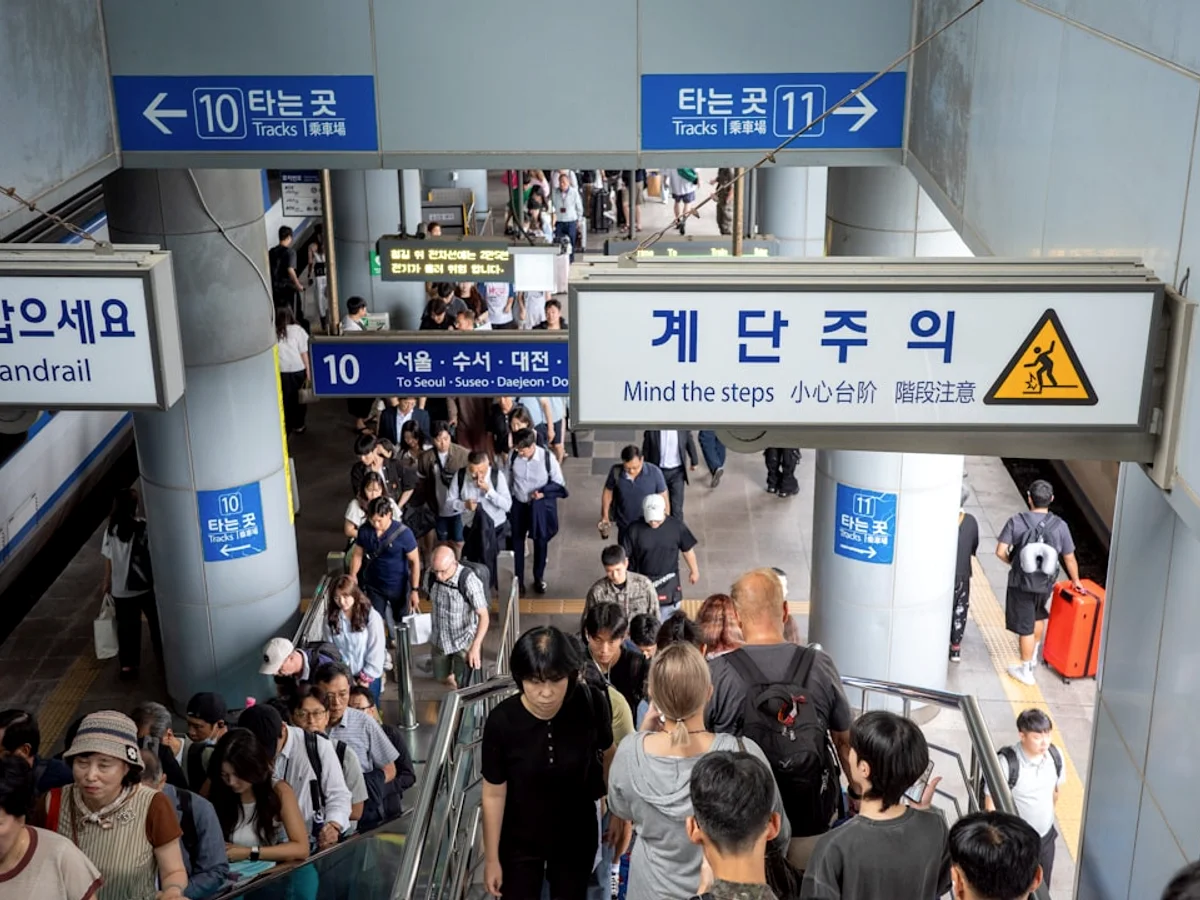
One thing people don’t realize is that the “best place” to use these navigation apps is actually underground. Korea’s subway system is vast, and Naver Map gives you “Exit Numbers” which are vital. If you’re at Exit 5 and your friend is at Exit 10, you might be a 15-minute walk apart. The app tells you exactly which car to board to be closest to your exit. It sounds like overkill, but when the doors open at Sindorim Station and a sea of people rushes out, you’ll be glad you knew exactly where to stand.
- Look for the car number (e.g., 4-3) on the screen.
- Use the indoor maps feature for malls like COEX.
- Check the real-time bus locations to see if it’s worth running.
Why do Koreans love Essential Korean Apps for Navigation, Translation, and Food Delivery?
Koreans love these apps because they fit perfectly into the “Pali-Pali” (fast-fast) culture. What stood out was life here moves at a breakneck pace, and any tool that shaves off 30 seconds of waiting is considered a blessing. If I book a restaurant on Catch Table, my KakaoTalk gets a notification, and I can then click a link to open the route in KakaoMap. But it’s more than just speed; it’s about the “connectedness.” Everything talks to everything else. It’s a seamless loop that makes life incredibly frictionless.
The Benefits of Total Compliance
Staying within this app ecosystem gives you a level of “local knowledge” that you just can’t get otherwise. You get to see real-time reviews from locals—which are much more critical and honest than what you find on TripAdvisor. I’ve avoided so many “Instagrammable” but mediocre cafes because the Naver reviews were full of people complaining about the dry cake. The long-term advantage is that you start to live like a local, knowing which bus is coming in 2 minutes and which restaurant has a 30-minute wait.
- High accuracy in real-time traffic and transit.
- Access to exclusive discounts and loyalty points.
- Integration with Mobile Payment systems like KakaoPay.
Consequences of Ignoring the Local Tech
The truth is, if you try to stick to your “home” apps, you’re going to have a hard time. I’ve seen tourists looking at Google Maps, standing right in front of the building they’re looking for, but because the pin is 50 meters off, they’re totally lost. The frustration is real. You’ll miss out on the best food, you’ll pay more for taxis, and you’ll generally feel like an outsider. Using the local apps is a sign of respect for the way things work here, and it makes people more willing to help you if they see you’re trying.
- Avoid the “Gray Map” syndrome where locations don’t exist.
- Stop overpaying for “Tourist Taxis” by using Kakao T.
- Don’t go hungry because you couldn’t figure out the kiosk or delivery app.
Peace of Mind and Safety
There’s a certain “safety net” feeling these apps provide. If I’m out in a random neighborhood like Mangwon-dong at 2 AM, I know I can call a taxi that is tracked by GPS, translate any sign I see, and even find a 24-hour convenience store for a late-night snack. The vibe in Korea is safe anyway, but the apps add a layer of digital security. You’re never truly lost as long as you have a battery pack and a data signal. It’s that peace of mind that allows you to explore the darker, narrow alleys where the best Kimchi Jjigae is usually hiding.
- Emergency features built into navigation apps.
- Language support for medical emergencies via translation.
- Trackable history of where you’ve been and what you’ve spent.